
Have you considered what a powerful tool email marketing can be for your business?
If you’re looking to market and grow your business you’re in the right place!
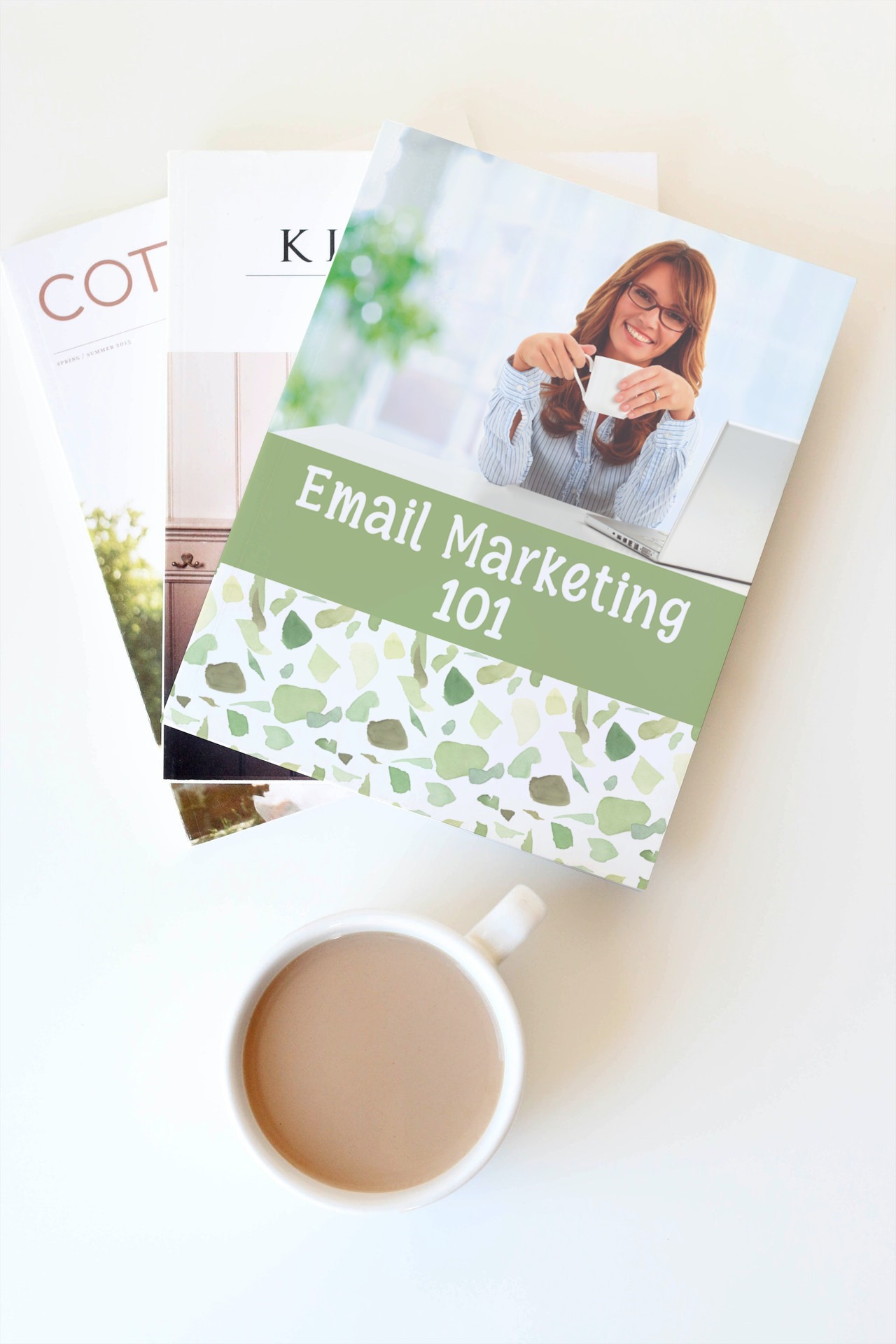
Want to learn how to do email marketing but don't know where to start?
This workbook helps you start building your email list.
It takes you through the steps to take to create a solid framework for your email marketing campaigns and a step-by-step approach to start building your own list from scratch.
Here are the areas covered in the Email Marketing 101 Workbook:
- Objectives
- Building Your List
- Who Are You Emailing?
- Creating Your Opt-in Page & Lead Magnet
- Organize Your Email Lists
- General Best Practices
- Before You Hit Send Checklist
- Autoresponders
- Scripting Your Sales/Promotion Emails
- Practice Writing A Sales/Promotion Email
- Scripting Your “Are You Still There” Emails
- Plan For Holidays
- Scheduling Your Emails (Instruction)
- Scheduling Your Emails (Calendar)
- Promotion Email Series (Instruction)
- Promotion Email Series (Calendar)
- Goal Setting
- Newsletters
- Choosing An Email Service Providers
This ‘Email Marketing 101 Workbook’ comes in the following size:
- Letter Size (8.5 x 11 in) (215.9 x 279.4 mm)
You get 22 pages of worksheets sheets you can print and use again and again!
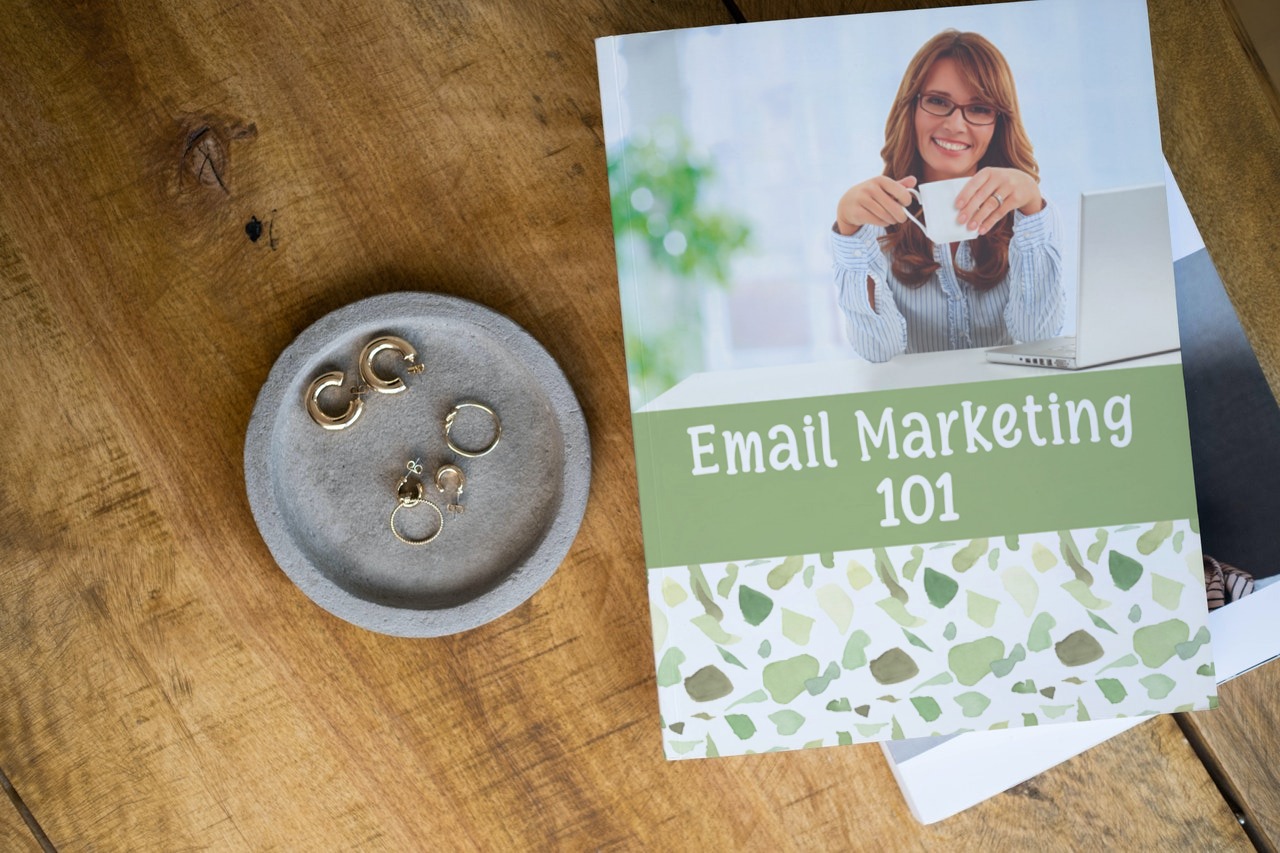
HOW DO PRINTABLES WORK?
Simply purchase the item and download the file. Once downloaded, simply print the file at home on your home printer or take it to your local printers to print. The beauty of printables is that you print as many copies as you need saving you time and money!
Physical item(s) will NOT be mailed but your file will be sent as an instant download.
PRINTING INSTRUCTIONS:
- Always choose Actual Size or Scale to 100% in the Page Sizing & Handling section.
- Choose Auto portrait/landscape under Page Orientation section.
- For duplex printers, if you choose portrait you should flip along the long edge and if you choose landscape you should flip along the short edge. Some printers have a problem with this section and it may require choosing a few settings that will work.
- A preview of the insert before printing should show it in the center of the page. If it is showing it in any corner, it is because you have chosen a setting that is causing it to do that.
COLOUR DISCLAIMER:
Due to different monitor/printer calibration settings, the colour appearance on your screen may not truly represent the finished print.
REFUND DISCLAIMER:
This item is non-refundable due to its instant download format. Please read the product description carefully. New Media Digital Life is not responsible for printing issues and purchases of incorrect items.
RESELLING DISCLAIMER:
By purchasing this file you do not acquire any copyright. Reproduction rights do not transfer with sale. Any form of duplication, distribution, or reselling for commercial purposes is prohibited. This item is for your personal use only. YOU MAY NOT share, resell or redistribute our products.